Manual travel journal
- Sort every photograph
- Remember each date and place
- Write every entry
- Design every page
Travel journal app for iPhone
Travel first. Afterward, choose the photographs and confirm the trip. TripBook uses the dates and places already inside those moments to reconstruct an editable travel story.
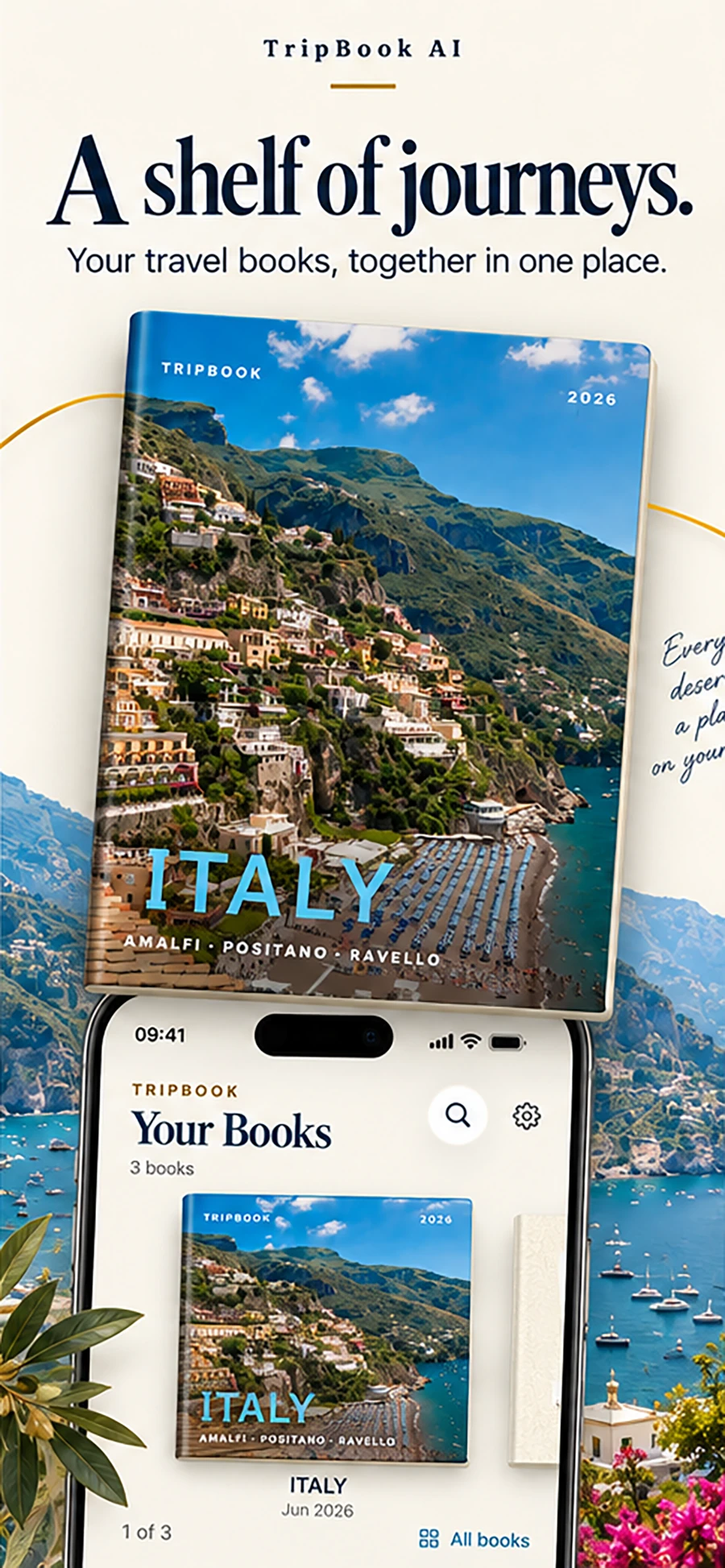
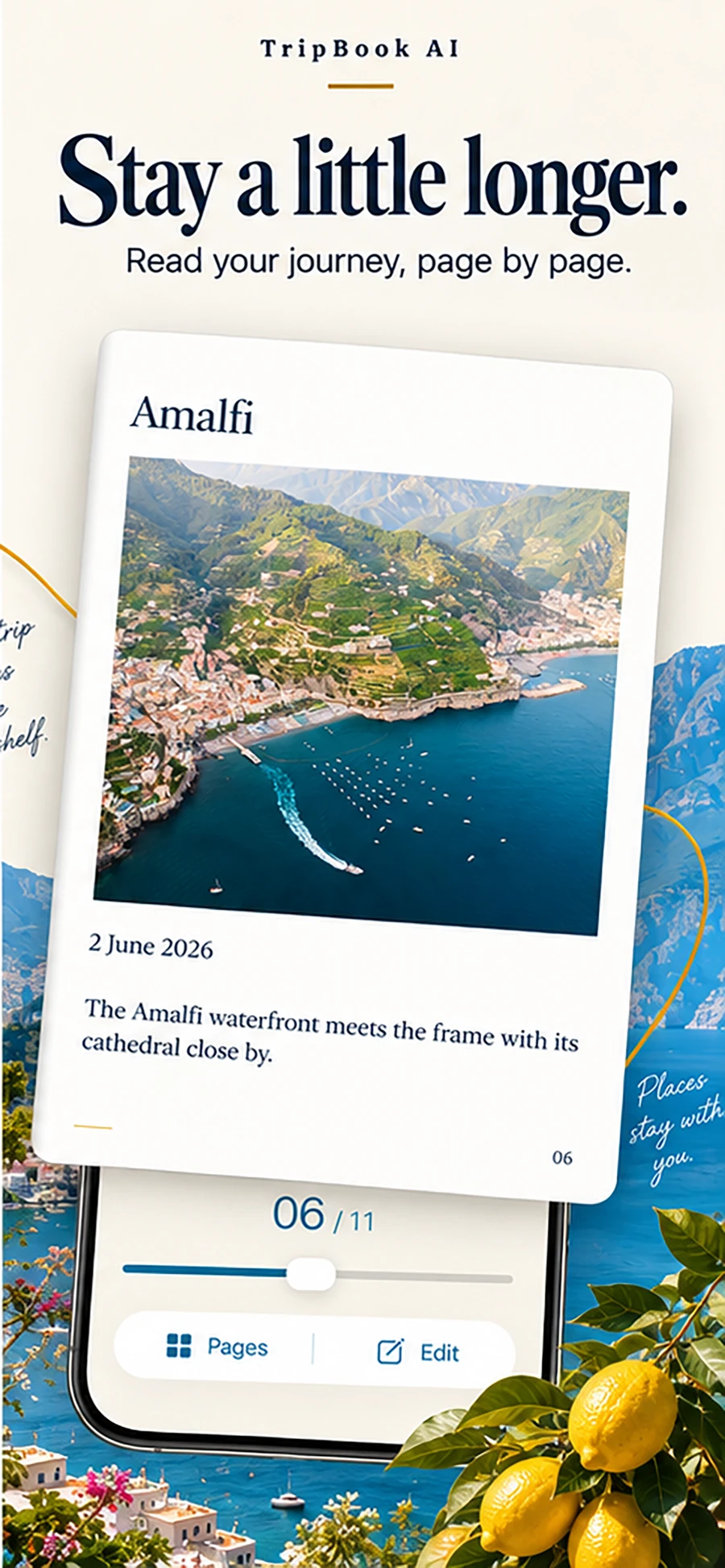
You lived it. TripBook helps you remember the order and the feeling.
Travel now. Write later.
A traditional travel diary asks for attention while the trip is happening. TripBook waits until you are home.
A journal built from evidence
Your selected photographs carry a timeline and, when available, location information. TripBook uses those clues with the trip details you confirm to group days, create chapters, and draft the story.
The result is closer to a travel journal book than a feed: a beginning, a route, chapter transitions, captions, and pages meant to be read in sequence.

The in-between moments matter too: a train window, a missed turn, the morning light before a city woke.
What TripBook remembers
Photos become a chronological trip instead of a loose collection in the camera roll.
Drafted prose connects one place to the next and gives individual photographs meaning.
Edit the writing, regenerate a passage, choose a different tone, and keep the final version that feels true.
How it compares
Most travel diary apps ask you to log the trip while it happens. TripBook starts from the photos afterward. Here is an honest look at where each approach fits.
| App | Best for | How you record the trip | Writes for you | Book or PDF | Account needed |
|---|---|---|---|---|---|
| TripBook AI | Turning photos you already took into a finished book | Pick photos after the trip | Yes, editable chapters and captions | Yes, PDF export | No |
| Polarsteps | Automatic route maps | GPS tracking during the trip | No | Printed book (paid) | Yes |
| Journi | Photo timelines and printed books | Add entries as you go | No | Printed book (paid) | Yes |
| Travel Diaries | Designed page layouts | Write entries on layouts | No | Printed book (paid) | Yes |
| Day One | Long-form writing | Daily text entries | No | Printed book (paid) | Yes |
| Apple Journal | Free, built-in prompts | Respond to suggested moments | No | No | Apple ID |
Feature details for other apps are based on their public listings at the time of writing and may change. TripBook does not track your location during the trip; it reads the dates and places already saved in your photos.
Read the full comparison of the best travel journal apps for iPhone.
Who it is for
Two camera rolls, one story. Share photos from Apple Photos into TripBook and get a single book with both points of view.
Four hundred photos from Lisbon that nobody has looked at since. TripBook is the fastest way to turn that pile into something you will actually open.
Kids remember a trip through the small things. Chapters built from the actual timeline keep the order straight years later.
Trips blur together. A shelf of books, one per trip, does not.
Questions
It depends on how you like to record a trip. If you enjoy writing daily entries, Day One and Journalfy are strong. If you want your route tracked automatically, Polarsteps does that well. If you would rather not write at all and want a finished, editable book made from the photos you already took, TripBook AI is built for exactly that.
Yes. The free tier lets you create up to two active travel books, read them in full in the app, and export a standard PDF with a small watermark. Premium removes the limits and the watermark. No account is required.
No. You choose photos and confirm the dates and places TripBook detects. The app drafts chapters and captions. You can edit any sentence, regenerate a passage, or add your own notes, but a blank page is never the starting point.
Your original full-resolution photos stay on your iPhone. Only the trip details you confirm and any optional notes are sent for text generation. Finished books are stored locally on your device. See the privacy policy for the full picture.
That is the intended use. TripBook reads the timestamps and locations already embedded in your photos, so a trip from last month or three years ago works the same way as one you finished yesterday.
Yes. Every book exports as a PDF. Premium exports in HD without a watermark, which you can send to any print service or keep as a digital travel book.
Related reading
Select the photos afterward. TripBook builds the travel diary you meant to keep.
Download TripBook on the App Store